What is M3U?
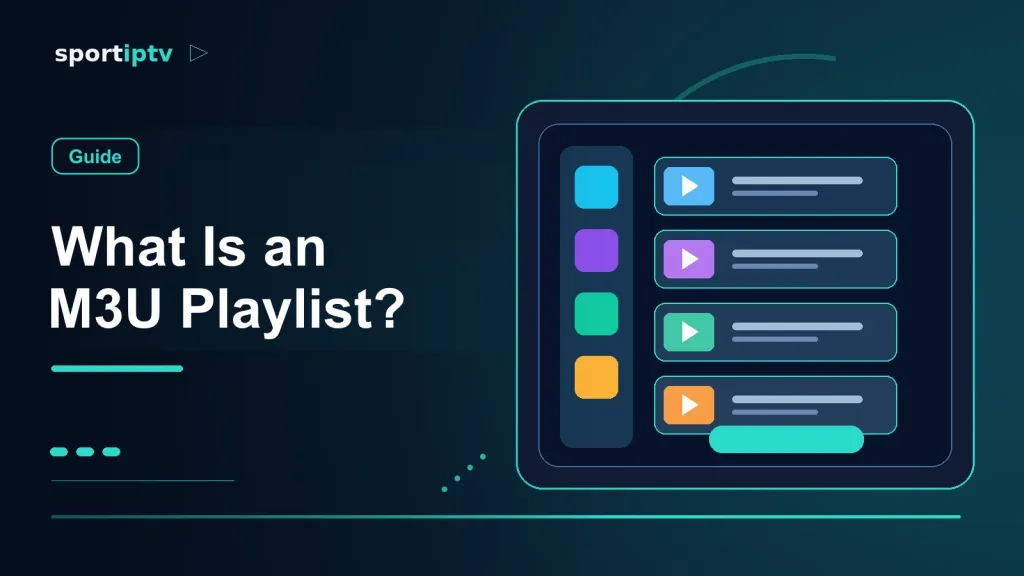
M3U started life in the late 1990s as a playlist format for music players: a list of song files in the order they should play. IPTV adopted the same idea for video. Instead of song files, an IPTV M3U lists live channel streams and VOD titles. Your player downloads the list, groups the channels into categories and plays each one when you select it.
Because it is just text, an M3U can be opened in any text editor. A typical entry looks like this:
#EXTM3U
#EXTINF:-1 tvg-id="news.us" tvg-logo="https://…/logo.png" group-title="News",Channel Name HD
http://server.example:8080/username/password/12345
- #EXTM3U — the header that tells the player this is an extended M3U.
- #EXTINF — the description line: duration (-1 means live), guide ID, logo and group.
- group-title — the category the channel appears under (Sports, News, Kids…).
- tvg-id — the ID the player uses to match the channel with its TV guide data.
- The next line — the stream address the player actually plays.
What is an M3U URL?
Providers rarely send the M3U as a file. Instead they send an M3U URL — a link that generates your personal playlist on request. It usually contains your username and password, which is why it should be treated like a password: do not post it in groups or forums. Every time the player refreshes the list, it calls that URL and gets the current lineup.
M3U vs. M3U8
| M3U | M3U8 | |
|---|---|---|
| Format | Playlist in plain text | The same playlist format |
| Text encoding | Often local encoding | UTF-8 |
| Why it matters | Non-English channel names can turn into gibberish | Displays every language correctly |
| Also used for | IPTV playlists | HLS video streams (.m3u8 segments) |
In daily IPTV use the difference is small: choose M3U8 (or "UTF-8") when your provider offers it, especially if you watch channels with names in Hebrew, Spanish, Arabic or other languages.
M3U vs. Xtream Codes: which should you use?
| M3U link | Xtream Codes | |
|---|---|---|
| What you enter | One long URL | Server URL + username + password |
| TV guide (EPG) | Sometimes needs a separate link | Loads automatically |
| Movies and series | Depends on the provider and player | Organized in Movies and Series tabs |
| Catch Up | Usually not | Yes, on supported channels |
| Speed of first load | Slower for large lists | Faster |
| Best for | Players without Xtream support | Almost every modern player |
Rule of thumb: use Xtream Codes whenever your player supports it. A provider's M3U URL contains the same username and password, so a representative can convert one into the other in seconds.
How to add an M3U playlist to your player
- Open your playerFor example TiviMate, Televizo, IPTV Smarters Pro or VLC.
- Choose "Add playlist"Then pick M3U playlist, Playlist URL or Load your playlist or file/URL.
- Paste the link exactlyEvery character counts. Copying from WhatsApp on your phone and using the device's remote app avoids typos.
- Add the EPG link if you have oneIn settings under EPG source or XMLTV URL.
- Save and waitLarge playlists take a minute or two the first time.
Players that use a website instead
Some smart TV players, such as IBO Player, do not let you paste the link on the TV. Instead, you open the player's website, enter the TV's MAC address and device key, and upload the M3U there.
Quick test on a computer
In VLC choose Media › Open Network Stream and paste the M3U URL. If channels appear, the link works and any problem is with the TV player's settings.
Adding a TV guide (EPG) to an M3U
An M3U only lists channels. The program guide comes from a separate XMLTV file. If your player shows channels but an empty guide, add the EPG URL from your provider in the player's settings, run "Update EPG", and make sure the time zone is set to your local time (Eastern, Central, Mountain or Pacific). Xtream Codes logins skip this step because the guide loads automatically.
M3U playlist not loading? Fixes
| Symptom | Likely cause | Fix |
|---|---|---|
| 401 / 403 error | Wrong username or password in the link, or an inactive account | Copy the link again; ask the representative to check the account |
| Stuck on "loading" | Very large playlist or slow device | Wait, clear the app cache, or switch to Xtream Codes |
| Gibberish channel names | Encoding | Use the M3U8 / UTF-8 version |
| No TV guide | EPG not added | Add the XMLTV link and update |
| Some channels black | Codec or decoder setting | Switch hardware/software decoder in the player |
More fixes for login and app errors are in IPTV not working, and for freezing pictures in IPTV buffering fixes.
Where should an M3U playlist come from?
An M3U from your IPTV provider is personal: it is tied to your subscription and your number of screens, and the provider keeps it working. Lists that circulate on websites and forums tend to stop working without warning, are unstable at peak hours, and can contain links you know nothing about. Stick to the playlist your provider gives you — and if you do not have one yet, request a free trial to get personal login details.
Using an M3U link on each device
| Device | Typical player | Where to paste the link |
|---|---|---|
| Fire TV Stick | TiviMate, IPTV Smarters Pro | Add playlist › M3U playlist / Playlist URL |
| Android TV / Google TV | TiviMate, Televizo | Add playlist › M3U |
| Samsung / LG TV | IBO Player | On the player's website, with the TV's MAC address |
| iPhone / iPad / Apple TV | IPTV Smarters Pro | Load your playlist or file/URL |
| Windows / Mac | IPTV Smarters Pro, VLC | Playlist URL, or Media › Open Network Stream in VLC |
| Android phone | Televizo | New playlist › M3U |
Device-specific instructions are in IPTV on Firestick, IPTV on a smart TV, IPTV on Apple TV and IPTV on Android TV.
Organizing a big M3U playlist
A full IPTV playlist can contain thousands of entries. Scrolling through all of them with a remote is nobody's idea of fun, so good players let you shape the list to the way you watch:
- Hide groups you never use, such as languages you do not speak.
- Create favorites for your top 20 channels and make that the default view.
- Reorder groups so Sports or News sits at the top.
- Use search to jump to a channel by name instead of scrolling.
- Set a channel number in players that support it, for cable-style zapping with the number keys.
These settings live in the player, not in the M3U, so they survive refreshes of the playlist.
Keeping the playlist up to date
Providers add channels and fix links over time. Players refresh the M3U automatically — often every day or when the app starts — but you can also refresh by hand from the playlist settings. If a channel suddenly disappears or a new one is missing, a manual refresh plus an EPG update usually solves it. When the provider changes your server address or login, you only need to edit the playlist entry; your favorites stay in place in most players.
Questions
What is an M3U playlist?
A text file that lists IPTV channels: each channel's name, group, logo, guide ID and the address its stream plays from.
What is an M3U URL?
A link that generates your personal channel playlist. Players load it to build the channel list and refresh it to stay up to date.
What is the difference between M3U and M3U8?
The format is the same. M3U8 is saved as UTF-8 text, so channel names in any language display correctly.
Is M3U or Xtream Codes better?
Xtream Codes, when the player supports it: the TV guide, movies, series and Catch Up load automatically and the first load is faster.
How do I add an M3U link to my TV?
Open your player, choose Add playlist, pick M3U or Playlist URL and paste the link. Some smart TV players use a website and the TV's MAC address instead.
Why does my M3U playlist not load?
Usually a typo in the link, an inactive account, or a very large list. Copy the link again, clear the app cache, or ask for Xtream Codes details.
Can I open an M3U file in VLC?
Yes. Use Media › Open Network Stream and paste the URL — a quick way to check that the link works.
How often does an M3U playlist update?
Most players refresh it automatically every day or when the app opens. You can also refresh by hand from the playlist settings whenever channels seem out of date.
Can I use one M3U link on several devices?
Yes. Add the same link to each device; the number of devices watching at the same time is limited by your plan.