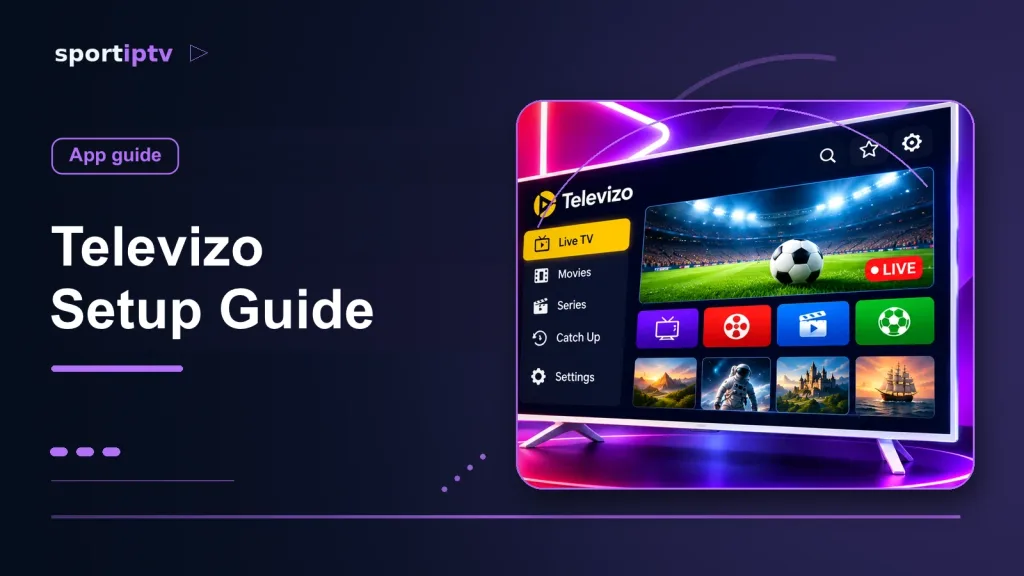
What is Televizo?
Televizo IPTV Player is an app that plays your IPTV subscription. Like every player, it has no channels of its own. What it does well is speed and simplicity: playlists load quickly, the layout is uncluttered, and it adapts nicely between a small phone screen and a TV.
Many people use Televizo on their phone and TiviMate on the TV, with the same subscription — as long as the number of screens watching at once fits your plan.
Where Televizo works
| Device | Televizo? | Notes |
|---|---|---|
| Android phone or tablet | Yes | Google Play — the most common way to use it |
| Android TV / Google TV | Yes | Google Play on the TV or box |
| Fire TV Stick (Fire OS) | Yes | Appstore if listed, otherwise Downloader |
| Samsung / LG smart TV | No | Use IBO Player — see the IBO Player guide |
| iPhone / iPad | No | Use IPTV Smarters Pro |
| Windows / Mac | No official app | Use IPTV Smarters Pro |
How to install Televizo
Android phone, tablet or Android TV
- Open Google PlayOn the phone, tablet or TV device.
- Search "Televizo"Install Televizo – IPTV player.
- Open it and allow permissionsThen continue to add a playlist.
Fire TV Stick
Search the Amazon Appstore first. If Televizo is not listed for your region, install it with Downloader on a Fire OS stick — the full steps are in our Firestick IPTV guide.
Add your subscription to Televizo
- Create a playlistTap Create playlist (or the + button).
- Choose the typeXtream Codes (recommended) or M3U playlist.
- Enter your detailsA name for the playlist, then the server URL, username and password — or the full M3U URL.
- SaveTelevizo loads your channels and categories in a few seconds.
Xtream Codes is usually the better choice because it brings in the guide, movies and series automatically. If you only have an M3U link, here is how M3U playlists work.
Set up the TV guide (EPG)
- With Xtream Codes, the guide usually appears on its own after the first load.
- With M3U, open the playlist, choose Edit, add the EPG URL, and save.
- Use Update EPG if the guide looks outdated.
- If times are off, check the phone or TV time zone first, then the EPG time-shift option.
Using Televizo every day
- Categories: channels follow your provider's groups — sports, news, kids, movies.
- Favorites: long-press a channel and choose Add to favorites.
- Search: find a channel by name in seconds.
- Last channel: jump back to the previous channel with one button.
- External player: you can send a stream to VLC or MX Player if you prefer their controls.
- Reminders: set a reminder from the guide so you do not miss kickoff.
Televizo on a phone vs on the TV
On a phone, Televizo shines: it is light on battery, quick to open, and easy to use with one hand. On a TV it works well with a remote, though TiviMate offers a richer guide for living-room viewing. A good setup for many homes:
- Living-room TV: TiviMate on a Fire TV Stick or Android TV box.
- Phones and tablets: Televizo.
- Samsung or LG TV in the bedroom: IBO Player.
Each device watching at the same time uses one screen of your plan. Compare 1 to 5 screens in our plans.
Best Televizo settings for smooth playback
Televizo works well out of the box, but a few settings make a real difference, especially for live sports:
- Player › Decoder: hardware decoding is the default and usually best. If you get a black screen with sound, or the picture tears, switch to software and test again.
- Player › Buffer: on a weak Wi-Fi signal, a larger buffer trades a second of delay for fewer freezes.
- Video › Aspect ratio: set it to fit the screen so channels do not show black bars or stretched faces.
- Interface › Launch options: open straight to your favorites or the last channel, so the app feels like a TV set.
- Playlist › Auto-update: refresh the channel list and guide when the app starts, so new channels appear on their own.
- Parental control: lock adult or late-night categories behind a PIN if children use the device.
On a phone, also check that battery saver is not limiting background data for Televizo — some Android phones pause streams when the screen dims.
Televizo vs TiviMate vs IPTV Smarters
| Televizo | TiviMate | IPTV Smarters Pro | |
|---|---|---|---|
| Best screen | Phones and tablets | Living-room TV | iPhone, Apple TV, computers |
| Platforms | Android, Android TV, Fire TV | Android TV, Google TV, Fire TV | iOS, Android, Windows, Mac, more |
| Free version | Yes, with ads | Yes, basic | Yes |
| TV guide | Good | Excellent | Good |
| Recording | Premium | Premium | Depends on version |
There is no single winner — the right player depends on the screen. The full comparison, including IBO Player for Samsung and LG TVs, is in best IPTV players. Setup guides: TiviMate and IPTV Smarters Pro.
Watching on the go with Televizo
Because Televizo is light and fast on phones, it is a good travel companion. A few tips for watching away from home:
- A stable 4G/5G or hotel connection of around 10 Mbps is enough for HD.
- Use mobile data carefully — an hour of HD streaming can use a few gigabytes.
- Your plan's screen count still applies, so stop playback at home if your plan has one screen.
- To watch on a hotel TV, cast from the phone or bring a small Fire TV Stick with your apps already set up.
Televizo not working? Quick fixes
- No channels: check the server URL and port, the spelling of your username and password, and that you chose the right type.
- No guide: add or update the EPG as shown above.
- Black screen with sound: switch the decoder between hardware and software in the player settings.
- Buffering on Wi-Fi: move closer to the router or use 5 GHz — see our buffering fixes.
- Login errors: IPTV not working: login and playlist errors.
Setting up Televizo for the whole family
Televizo makes it easy for everyone in the house to find their own channels quickly. Build a favorites list per person — sports for one, news for another, kids' channels for the little ones — and hide the categories nobody watches so the list stays short. With the parental PIN on, children can browse their own section without stumbling into late-night content. If the family watches on several phones and TVs at the same time, choose a plan with enough screens so nobody gets cut off during the big game.
Try Televizo with real channels
Request a free trial on WhatsApp and mention that you use Televizo. A representative will send your login details and walk you through the setup, so you can test channel switching, the guide and picture quality on your own phone or TV.
Questions
How do I use Televizo for the first time?
Install it from Google Play, tap Create playlist, choose Xtream Codes or M3U, enter your details and save. Channels load in seconds.
Is Televizo free?
Yes. The free version has ads. Televizo Premium is an in-app purchase that removes ads and adds extra options.
Does Televizo work on a smart TV?
It works on Android TV and Google TV and on Fire TV. It is not available for Samsung or LG smart TVs — use IBO Player there.
Is Televizo available for iPhone?
No. On iPhone and iPad, use IPTV Smarters Pro.
Can I use Televizo on a PC?
There is no official Windows or Mac version. IPTV Smarters Pro is the usual choice on computers.
Does Televizo include channels?
No. It is a player for your own IPTV subscription.
Why does Televizo show no TV guide?
With an M3U playlist you need to add an EPG URL. With Xtream Codes, update the EPG from the playlist menu.
Can I use Televizo and TiviMate with the same subscription?
Yes. Add the same login to both apps. Just keep the number of devices watching at the same time within your plan.
Is Televizo good for live sports?
Yes. Use hardware decoding, a stable connection and, if needed, a larger buffer for smooth fast-moving action.