Quick answer: the best IPTV app for each device
| Device | Our first pick | Good alternative |
|---|---|---|
| Amazon Fire TV Stick | TiviMate | IPTV Smarters Pro |
| Android TV / Google TV | TiviMate | Televizo |
| Samsung smart TV (Tizen) | IBO Player | IPTV Smarters Pro (on supported models) |
| LG smart TV (webOS) | IBO Player | Other players in the LG Content Store |
| Apple TV | IPTV Smarters Pro | Other players in the App Store |
| iPhone and iPad | IPTV Smarters Pro | Other players in the App Store |
| Windows PC / Mac | IPTV Smarters Pro | VLC for a quick test |
| Android phone or tablet | Televizo | IPTV Smarters Pro |
None of these apps include channels. They play the subscription you add. When you request a free trial, a representative recommends the right player for your exact device.
TiviMate — best IPTV player for Firestick and Google TV
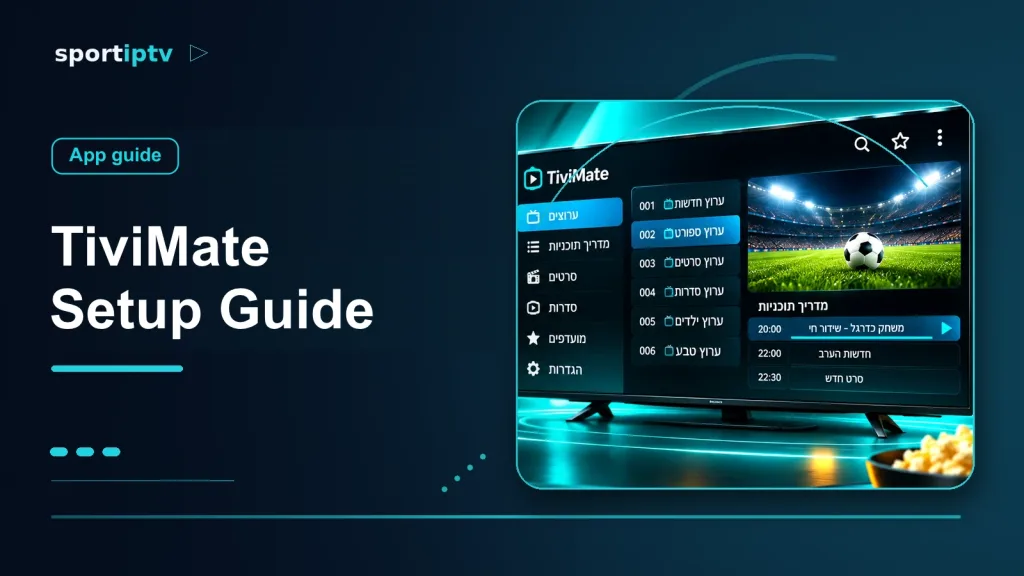
TiviMate was designed for a TV remote from day one. Its guide looks like a cable provider's grid, channels switch fast, and you can sort favorites, hide categories, record and use Catch Up. It runs on Android TV, Google TV and Fire TV devices. The free version is enough to install and test; TiviMate Premium unlocks multiple playlists, favorites management, recordings and more.
- Strengths: the best TV guide, very fast zapping, made for remotes.
- Limits: not available on Samsung/LG TVs, iPhone or Apple TV.
- Guide: TiviMate setup and settings.
IBO Player — best for Samsung and LG smart TVs
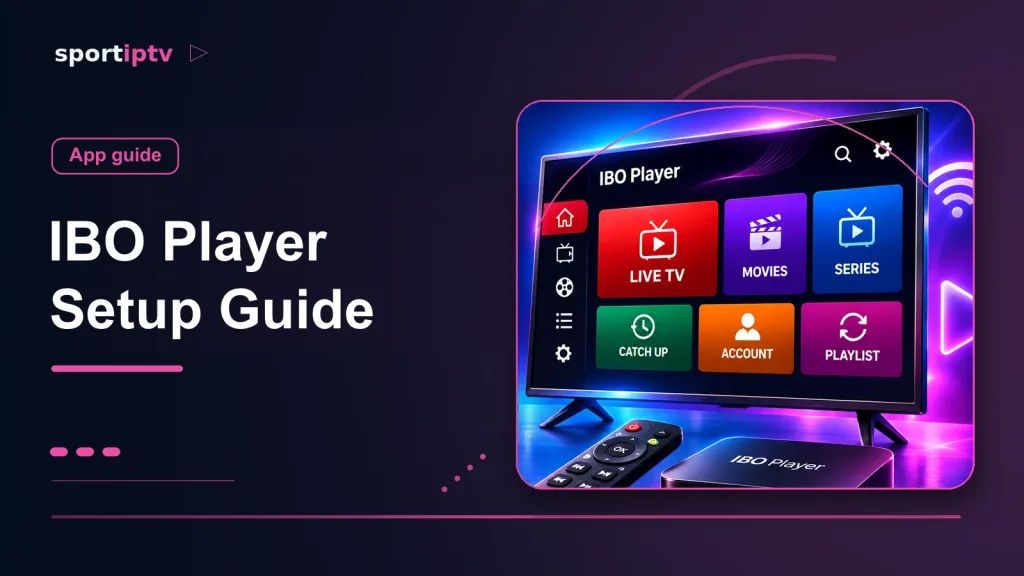
Samsung and LG TVs do not run Google Play, so the big Android players are not available on them. IBO Player fills that gap: it is in the app stores of many smart TV brands. Instead of typing your login on the TV, you upload your playlist on the IBO Player website using the TV's MAC address and device key. After a trial period, the app needs a paid activation from its developer.
- Strengths: available on many TVs, simple layout, Live TV, Movies, Series and Catch Up.
- Limits: playlist managed on a website; activation fee after the trial.
- Guide: IBO Player setup and activation and IPTV on Samsung and LG TVs.
IPTV Smarters Pro — best for iPhone, Apple TV and computers
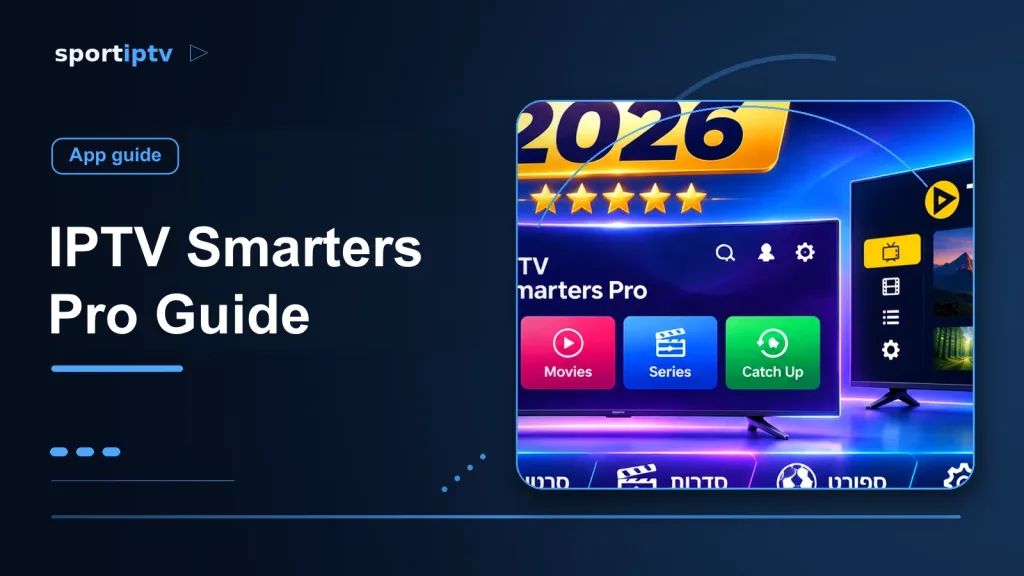
IPTV Smarters Pro is the player that runs almost everywhere: Android, iPhone and iPad, Apple TV, Windows, macOS and some smart TVs. The layout splits Live TV, Movies, Series and Catch Up into big tiles, supports multiple user profiles and works with both Xtream Codes and M3U. It is the easy choice when the whole family uses different devices.
- Strengths: the widest device support, familiar tile layout, profiles.
- Limits: the TV guide is less detailed than TiviMate's.
- Guide: IPTV Smarters Pro on every device.
Televizo — a light, fast player for Android
Televizo is a clean, quick player for Android phones, tablets and Android TV boxes. It supports Xtream Codes and M3U, has a TV guide, favorites and search, and can hand playback to an external player such as VLC. A free version with ads is available, and Televizo Premium removes the ads.
- Strengths: lightweight, great on phones, simple setup.
- Limits: Android only.
- Guide: How to use Televizo.
Full comparison table
| TiviMate | IBO Player | Smarters Pro | Televizo | |
|---|---|---|---|---|
| Fire TV / Android TV | Yes | Yes | Yes | Yes |
| Samsung / LG TV | No | Yes | Some models | No |
| iPhone / Apple TV | No | Some versions | Yes | No |
| Windows / Mac | No | No | Yes | No |
| Xtream Codes | Yes | Yes | Yes | Yes |
| M3U | Yes | Yes (via website) | Yes | Yes |
| TV guide quality | Excellent | Good | Good | Good |
| Remote friendliness | Excellent | Good | Good | Good |
| Cost model | Free + Premium | Trial + activation | Free | Free + Premium |
Best IPTV player for Windows and Mac
On a computer, IPTV Smarters Pro is the most complete option: install it, sign in with Xtream Codes and you get the same Live TV, Movies and Series tabs as on a TV. VLC is useful for a quick check — paste your M3U link under Media › Open Network Stream — but it has no proper TV guide, so it is not ideal for daily viewing.
Best IPTV player for Google TV and Android TV
On a Chromecast with Google TV, a Google TV Streamer, an Nvidia Shield or any Android TV box, TiviMate is the first choice, with Televizo as a lighter alternative. Both install from Google Play. Setup steps for these devices are in IPTV on Android TV and Google TV.
Best IPTV app for Apple TV and iPhone
Apple devices install players only from the App Store. IPTV Smarters Pro is available there for iPhone, iPad and Apple TV, and the App Store has several other players too. Our Apple TV and iPhone guide walks through installation and the best settings.
Best IPTV app for Firestick
TiviMate is the most comfortable player on a Fire TV Stick, with IPTV Smarters Pro as a solid second. Depending on the model and your Amazon account region, a player may be in the Amazon Appstore or may need the Downloader app. Newer Fire TV models running Vega OS only install apps from the Appstore. Every step is in how to install IPTV on a Firestick.
How to choose: five practical tips
- Start with the device you watch mostUsually the living-room TV.
- Try the free version firstCheck zapping speed and how the guide looks before paying for premium.
- Prefer Xtream CodesYou get the guide, movies, series and Catch Up without extra links.
- Install only from official storesOr from a link a representative sends you.
- Blame the network last, not firstBefore switching players because of freezing, check the buffering fixes.
Player features explained
| Feature | What it does | Who needs it |
|---|---|---|
| EPG / TV guide | Shows what is on now and next for every channel | Everyone who watches live TV |
| Catch Up | Plays shows that aired in the past days, on supported channels | People who miss shows in the evening |
| Recording | Saves a program to device storage | Fans of shows that air at awkward times |
| Multi-view | Several channels on one screen at once | Sports fans following parallel games |
| Parental control | PIN-locks categories or channels | Families with kids |
| External player support | Hands playback to an app such as VLC | Troubleshooting stubborn channels |
| Multiple playlists | Keeps several logins in one app | People with more than one subscription |
Player settings that fix common problems
- Sound but no picture: switch the decoder between hardware and software, or choose a different internal player.
- Guide shows the wrong time: set the EPG time offset to match your time zone.
- Channels slow to start: lower the buffer size slightly, or use Ethernet instead of Wi-Fi.
- Picture stutters on 4K channels: make sure the device itself supports 4K and HEVC; older sticks may struggle.
- App is slow after weeks of use: clear the app cache from the device settings.
If nothing helps, the cause is usually the network rather than the player — see IPTV buffering fixes and IPTV not working.
Using different players in the same home
You do not have to pick one player for everyone. A common setup is TiviMate on the living-room Firestick, IBO Player on the bedroom Samsung TV and IPTV Smarters Pro on phones. They all use the same subscription. The only limit is how many screens play at the same moment, which is set by your plan.
Questions
What is the best IPTV player?
For Firestick and Google TV, TiviMate. For Samsung and LG TVs, IBO Player. For iPhone, Apple TV and computers, IPTV Smarters Pro.
What is the best free IPTV player?
IPTV Smarters Pro is free, and Televizo and TiviMate have free versions with optional premium upgrades.
What is the best IPTV app for Firestick?
TiviMate, followed by IPTV Smarters Pro. Install from the Amazon Appstore or with Downloader, depending on your model.
What is the best IPTV player for Windows?
IPTV Smarters Pro for daily viewing; VLC is fine for a quick test of an M3U link.
What is the best IPTV player for Google TV?
TiviMate, with Televizo as a lighter alternative. Both install from Google Play.
What is the best IPTV app for Apple TV?
IPTV Smarters Pro is available on the App Store for Apple TV, iPhone and iPad.
Do IPTV players come with channels?
No. Players only show the channels from your subscription.
Can I use the same subscription in different players?
Yes, on as many devices as you like, within the number of screens that watch at the same time.
Which IPTV player has the best TV guide?
TiviMate, with a cable-style grid that is easy to read and fast to navigate with a remote.
Can I use different players on different TVs?
Yes. One subscription works in any player; only the number of screens playing at once is limited.